Miniatur-Look — PhotoCraft Tilt-Shift
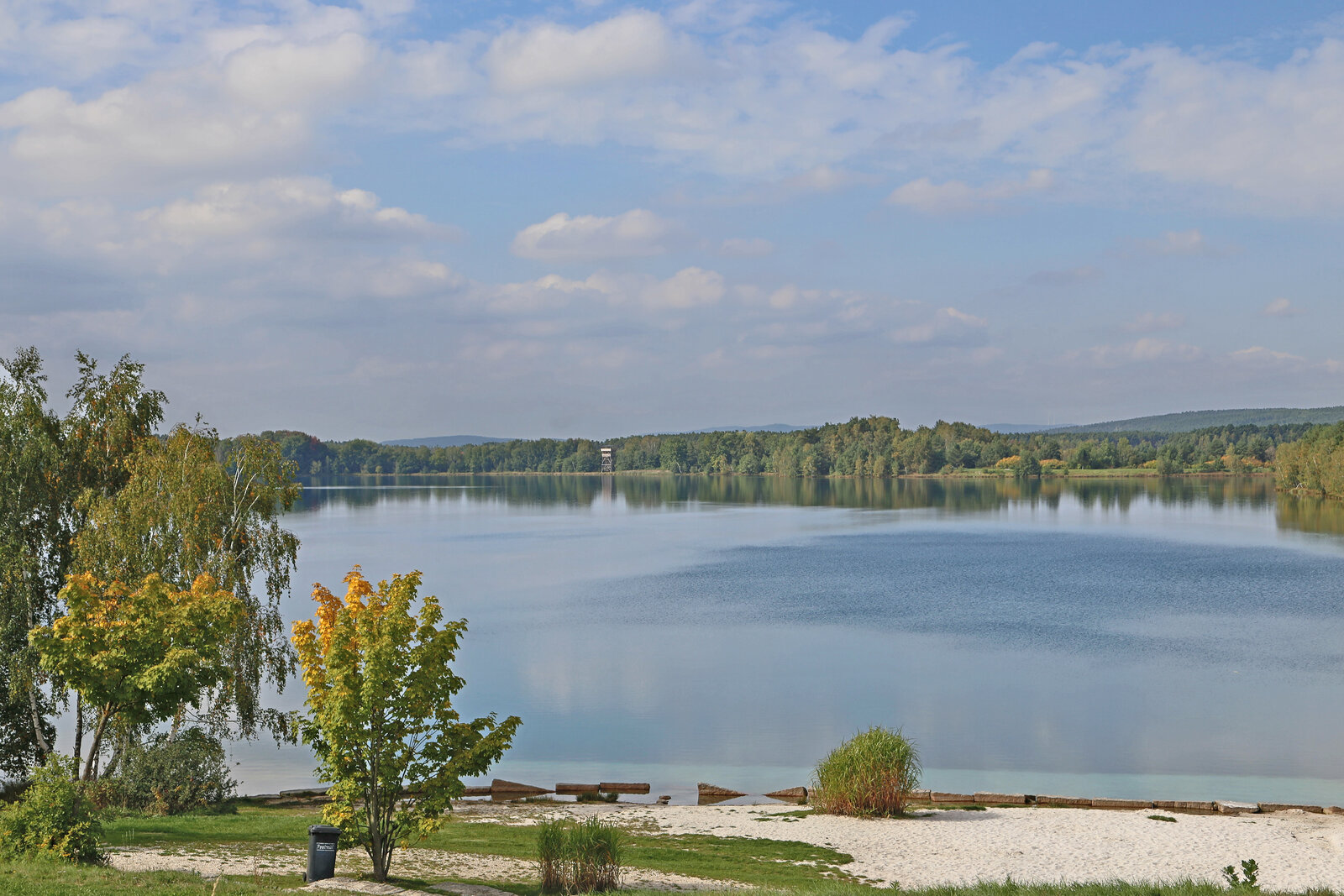
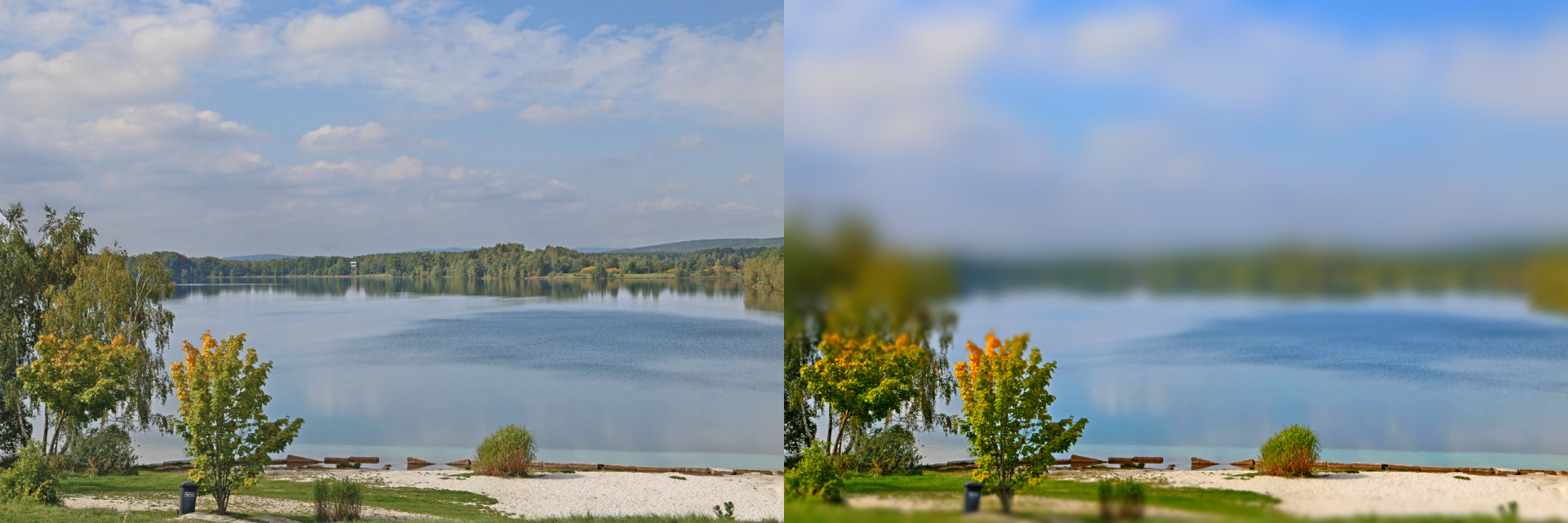
Macht aus einer Landschaft eine Spielzeugwelt. PhotoCraft-Tilt-Shift aus der Blur Gallery lässt nur ein schmales Band scharf und zeichnet alles darüber und darunter weich; mehr Sättigung und Kontrast lassen die Szene wie ein bemaltes Modell wirken. Original und Ergebnis nebeneinander.
INPUT
OUTPUT
JavaScript
// Miniature / toy-world look — PhotoCraft Tilt-Shift plus colour pop
// demo_photocraft_miniature.js
//!INPUT: INPUT
//!OUTPUT: OUTPUT
//!PARAM: FOCUS_Y:number=0.80,min=0,max=1, FOCUS:number=0.10,min=0,max=1
//!PARAM: BLUR:number=24,min=0,max=200, TRANSITION:number=0.25,min=0.01,max=1
//!PARAM: ANGLE:number=0,min=-90,max=90
//!PARAM: SATURATION:number=1.5,min=0.5,max=3, CONTRAST:number=1.15,min=0.5,max=2

// Fakes the "tilt-shift miniature" photo: a narrow band in sharp focus, everything
// above and below falling off into blur, so the scene reads like a model railway.
//
// Pipeline:
//   1. filter("tiltShift") — PhotoCraft's Blur Gallery Tilt-Shift. FOCUS_Y moves the
//      sharp band (0 = top, 1 = bottom), FOCUS is its height, TRANSITION the fade.
//   2. saturation + contrast — toy models are painted brighter than reality; the
//      colour pop sells the effect as much as the blur does.
//
// Works best on scenes shot from above with depth: landscapes, streets, harbours.
//
// Layout:  [ Original ]  |  [ Miniature ]

const src = Engine.loadImage(INPUT);
const scale = Math.min(1, 960 / Math.max(src.width, src.height));
if (scale < 1) src.resize(Math.round(src.width * scale), Math.round(src.height * scale));

const out = src.clone()
  .filter("tiltShift", {
    blur: BLUR,
    centerX: 0.5,
    centerY: FOCUS_Y,
    angle: ANGLE,
    focus: FOCUS,
    transition: TRANSITION,
  })
  .saturation(SATURATION)
  .contrast(CONTRAST);

src.montageH(out).save(OUTPUT);