Autocrop — transparenten oder einfarbigen Rand wegschneiden
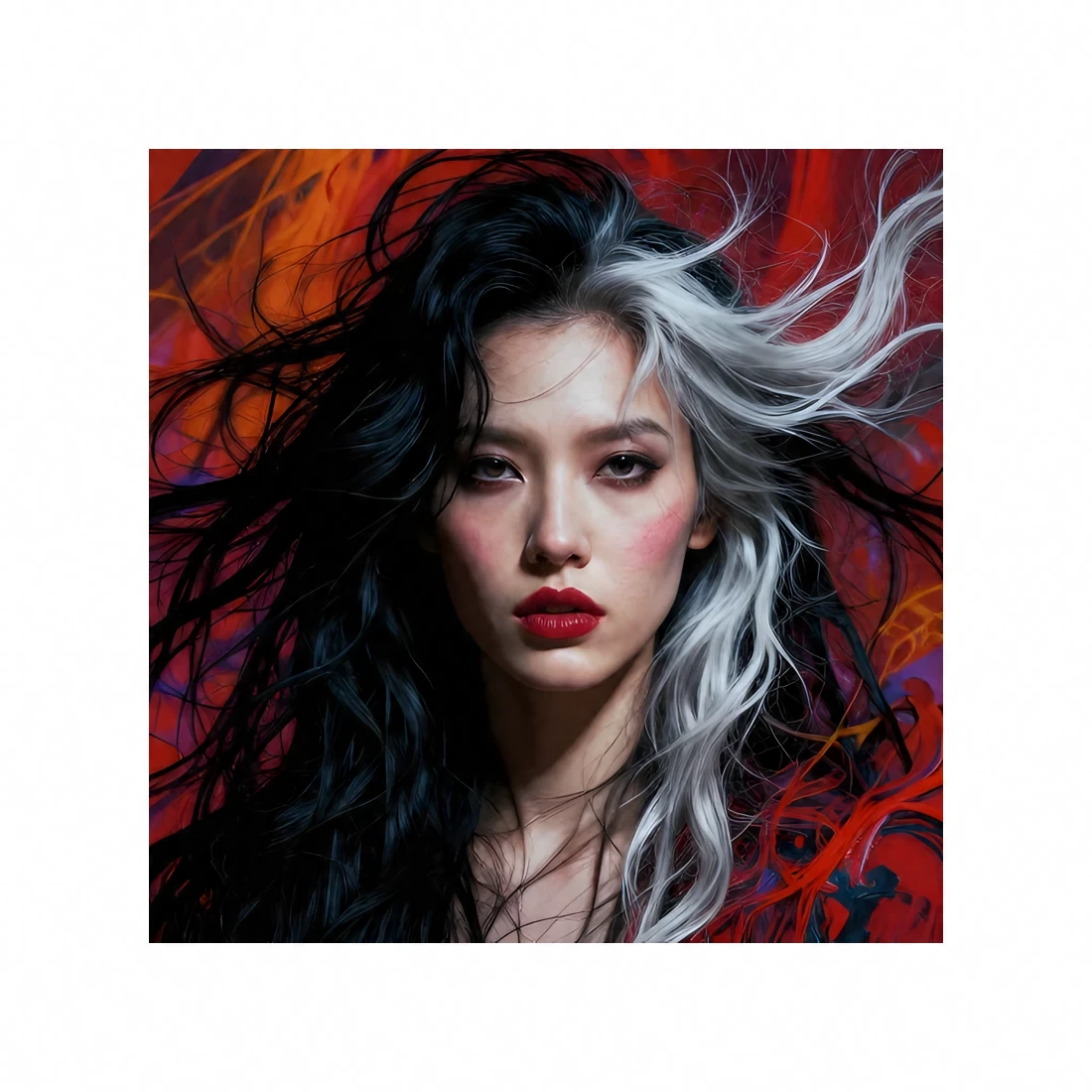
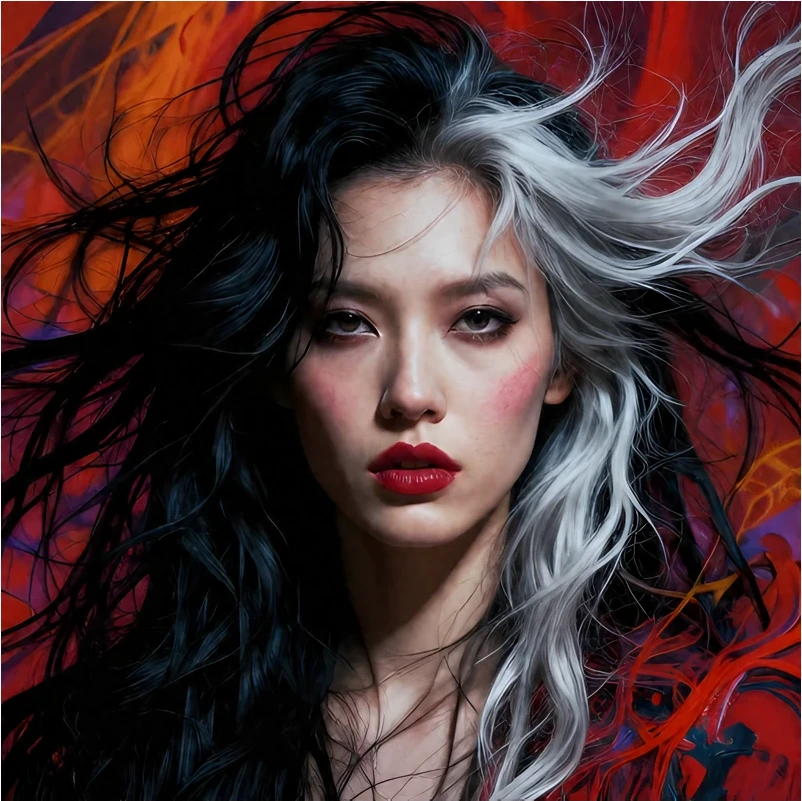
Findet das kleinste Rechteck, das den eigentlichen Bildinhalt noch enthält, und schneidet darauf zu. Ohne Farbe (AUTO=true) kommt der Hintergrund aus dem Pixel oben links — transparente Ränder nach einer Hintergrundentfernung oder ein einfarbiger Rahmen; mit COLOR wird genau diese Farbe entfernt (weißer Rahmen um einen Scan, Marken-Hintergrund um ein Logo). PADDING lässt N Pixel Luft stehen. Beispiel: ein 1100×1100 Portrait mit 150 px weißem Rahmen — Autocrop entfernt den Rahmen in einem Durchgang.
INPUT
Frame removed
JavaScript
// Trim a uniform-colour or transparent border (img.autocrop)
// demo_autocrop.js
//!INPUT: INPUT
//!OUTPUT: OUTPUT
//!PARAM: COLOR:string=#ffffff
//!PARAM: TOLERANCE:number=0.05,min=0,max=1
//!PARAM: PADDING:integer=0,min=0,max=200
//!PARAM: AUTO:boolean=false

// Finds the smallest rectangle containing every non-background
// pixel and crops to it. Two modes:
//
//   AUTO = true  → no colour given: the background comes from the
//                  top-left pixel. A transparent corner trims transparent
//                  margins (cut-outs from rmbg, any image with alpha), an
//                  opaque one trims its colour (a white frame).
//
//   AUTO = false → trim the supplied COLOR. Per-channel tolerance
//                        in [0, 1] handles JPEG noise / scanner streaks.
//                        Pure-α=0 pixels also count as background, so
//                        mixed transparent + flat-colour frames work
//                        without a second pass.
//
// PADDING keeps N pixels of margin around the detected box (clamped
// to image bounds). Useful when downstream layout expects breathing
// room.
//
// Pipeline-friendly: chain after rmbg / facedetect / writeSVG to keep
// only the actual content.

const img = Engine.loadImage(INPUT);
console.log(`before: ${img.width}×${img.height}`);

if (AUTO) {
    img.autocrop({ tolerance: TOLERANCE, padding: PADDING });
} else {
    img.autocrop({ color: COLOR, tolerance: TOLERANCE, padding: PADDING });
}

console.log(`after:  ${img.width}×${img.height}`);
img.save(OUTPUT);
img.free();

// © 2026 Michael Lechner · mlc OpticScript · https://mlcgo.eu · Elastic License 2.0